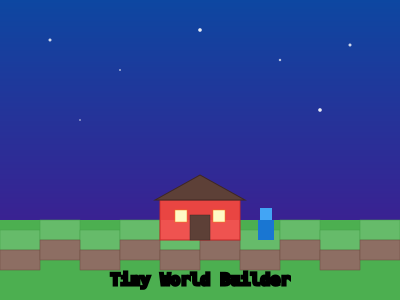
Tiny World Builder
A charming voxel-style 3D world builder powered by Three.js. Place blocks and cr...
Tiny World Builder
📖 How to Play
Left-click to place blocks. Right-click to remove. Scroll to zoom, drag to rotate view.
📚 Complete Game Guide
Tiny World Builder
Category: Building
Difficulty: Easy
Description
Tiny World Builder is a charming miniature landscape creation game. Build cute little worlds with tiny houses, trees, roads, and decorations. It's like playing with digital toy blocks – simple, relaxing, and endlessly creative. Perfect for all ages.
How to Play Tiny World Builder
-
Choose a Base – Select a terrain type (grass, sand, snow, etc.) as the foundation of your tiny world.
-
Place Buildings – Drag and drop houses, shops, castles, and other structures onto the map.
-
Add Nature – Place trees, flowers, bushes, and water features to bring your world to life.
-
Lay Roads – Connect buildings with roads, paths, and bridges for a realistic town layout.
-
Decorate – Add lamps, benches, fences, and seasonal decorations to give your world character.
-
Populate – Place tiny people, animals, and vehicles to make the world feel alive.
-
Save & Share – Take a screenshot or export your tiny world to show off your creation.
Tips & Strategies
- Start Small – Build a cozy village first before expanding to a full town.
- Theme Your World – Pick a theme (medieval, modern, fantasy, winter) and stick to it for a cohesive look.
- Use Height Variation – Place buildings on hills or near water for more interesting compositions.
- Add Seasonal Touches – Snow on roofs, autumn leaves, or cherry blossoms add charm.
- Don't Overcrowd – Leave some open space for paths and gardens.
Frequently Asked Questions
Q: Can I undo a placement? A: Yes – use the undo button or right-click/secondary action to remove items.
Q: Are there limited items? A: No – you have unlimited access to all building elements.
Q: Can I create multiple worlds? A: Yes – start a new project to create a different themed world.
🎮 Controls
Share This Game
🎮 Related Games
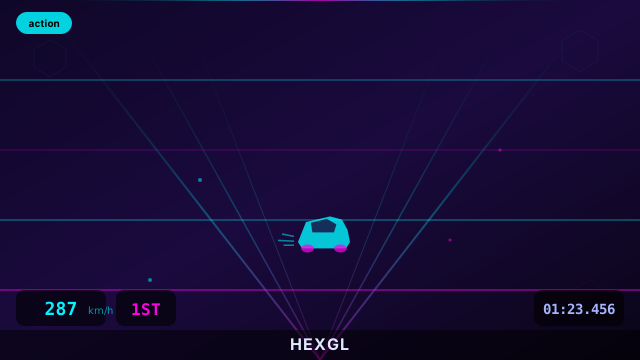
HexGL
A fast-paced, futuristic 3D racing game built with Three.js. Race at breakneck speeds!
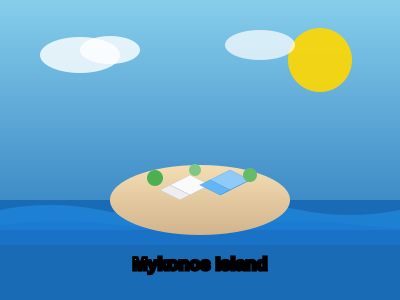
Island Builder
Build your dream island! Place houses, trees, decorations and watch your island come to life.

Messenger
Step into the shoes of a messenger on a tiny, beautiful planet. Explore and deliver letters!
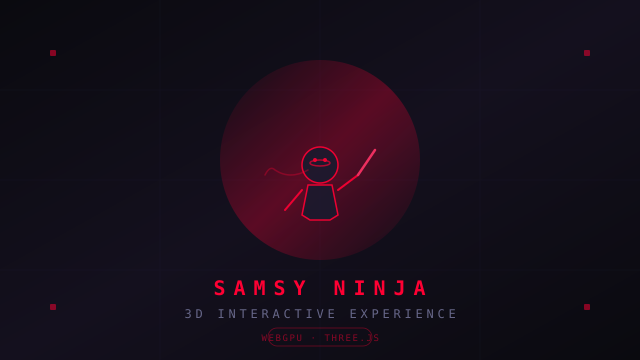
Samsy Ninja
A stunning 3D interactive experience with VRM character models, WebGPU rendering, particle effects, and cinematic visuals.
💬 Comments
Coming soon! Sign in to leave a comment.